How to Choose a Baby Monitor: Video vs Audio vs Smart
Quick Answer
Match the monitor to your tolerance for Wi-Fi rather than to the feature list. A dedicated video unit on a closed radio link, such as the eufy E21, gives you the most reliability and the least exposure for the money. Choose a smart monitor like the Nanit Pro only if you genuinely want remote viewing and analytics. No monitor of any kind substitutes for safe sleep basics.
Our Verdict
Buy a closed-circuit video monitor if you want it to simply work when the internet does not. Step up to the Nanit Pro when you travel, share caregiving remotely, or actually intend to read sleep data. Stay with a plain audio unit for a small apartment. Do not buy a wearable oxygen or heart-rate sock believing it prevents sudden infant death, because that claim has never been demonstrated.
Which monitor by what you need
| If your situation is… | Pick | Why |
|---|---|---|
| You want the most reliable, private feed | Non-WiFi (FHSS radio) audio/video monitor | A closed radio link has no internet hack surface and doesn't depend on your home WiFi. |
| You want to check in from work or while away | WiFi / app monitor | It streams to your phone anywhere — accept the trade-offs of accounts, possible fees, and network dependence. |
| History of reflux, prematurity, or breathing worries | A movement/oxygen-tracking monitor, with pediatrician input | Sock and movement add-ons give data but aren't medical devices — ask your pediatrician before relying on one. |
Use this row to shortcut by situation.
Key Takeaways
- ✓Buy a closed-circuit video monitor if you want it to simply work when the internet does not. Step up to the Nanit Pro when you travel, share caregiving remotely, or actually intend to read sleep data. Stay with a plain audio unit for a small apartment. Do not buy a wearable oxygen or heart-rate sock believing it prevents sudden infant death, because that claim has never been demonstrated.
- ✓For most families, a dedicated video monitor like the eufy E21 offers the best balance of reliability, privacy, and features without Wi-Fi dependency. If you want sleep analytics and remote access,...
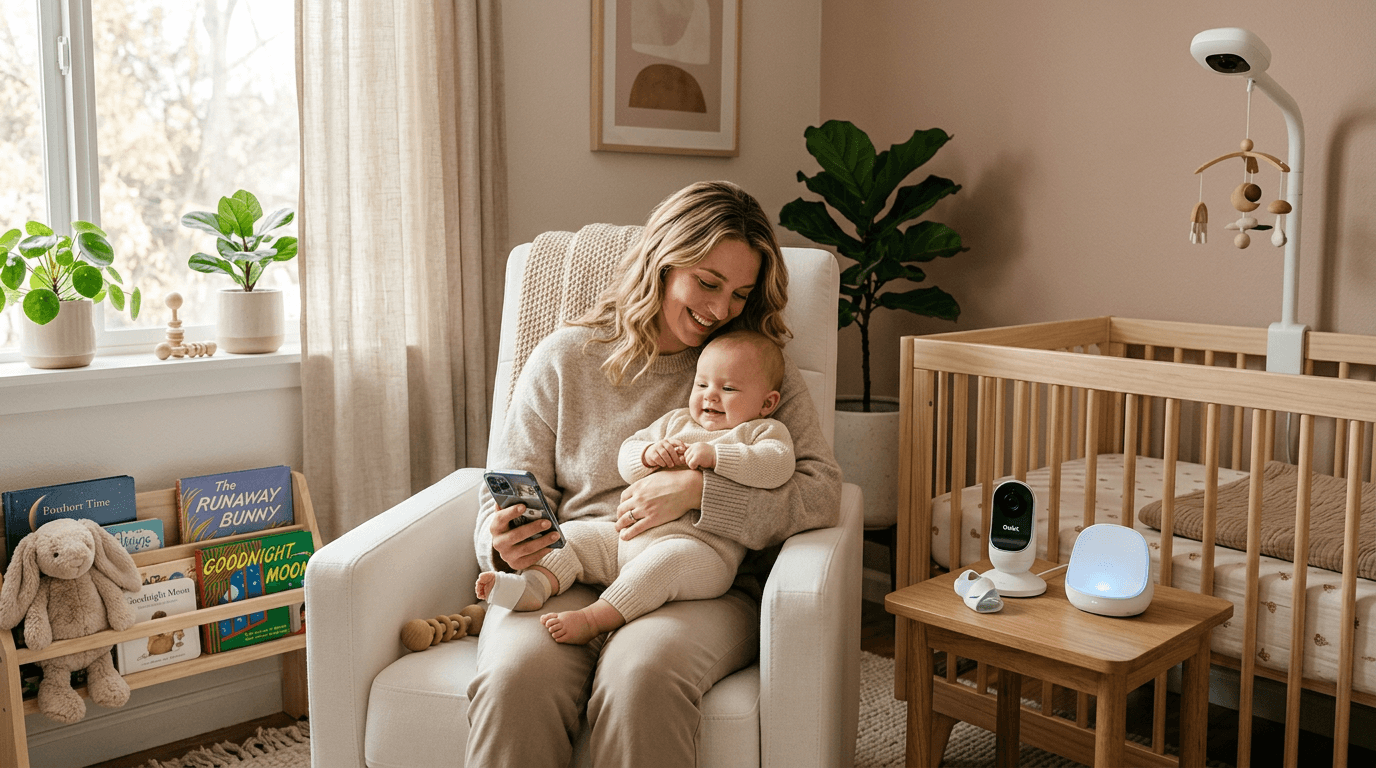
- ✓A newer category worth understanding is wearable health monitors like the Owlet Dream Sock, which track heart rate and blood oxygen levels. These are sometimes bundled with cameras as a "duo" system.
💬 Real Talk from Parents
The night vision on these things is better than most security cameras.
Every shadow on the monitor will look like the baby has escaped. They haven't.
You don't need a $300 smart monitor. But you'll probably buy one anyway.
Wi-Fi monitors sound great until your internet goes out at 2 AM.
The Owlet gave me MORE anxiety, not less. Every false alarm at 3am aged me a year. YMMV but keep that in mind.
Paraphrased community consensus — not a direct quote.
You need a breathing/oxygen monitor for safe sleep.
The AAP does not recommend consumer breathing monitors. They produce false alarms that increase anxiety and are not clinically validated to prevent SIDS. Safe sleep practices (back sleeping, firm surface, no loose bedding) are what matter.
Audio-only monitors are outdated and useless.
Audio monitors have zero lag, no app crashes, unlimited range indoors, and cost a fraction of video monitors. Many experienced parents say they wish they'd kept it simple.
As an Amazon Associate I earn from qualifying purchases. Product prices and availability are subject to change.
How to Choose a Baby Monitor: Video vs Audio vs Smart
For most families, a dedicated video monitor like the eufy E21 offers the best balance of reliability, privacy, and features without Wi-Fi dependency. If you want sleep analytics and remote access, the Nanit Pro is the best smart monitor available.
The AAP does not formally endorse any specific type of baby monitor but notes that monitors are a supplement to — not a substitute for — safe sleepsafe sleepAAP guideline: baby sleeps Alone (no blankets, pillows, bumpers, or toys), on their Back, in a Crib or bassinet with a firm flat mattress. Room-sharing without bed-sharing is recommended for the first 6-12 months. practices. A 2018 study published in JAMA found that consumer wearable monitors (sock-type oxygen sensors) produced frequent false alarms and did not reliably detect true apnea events, leading the AAP to caution against relying on consumer-grade monitors for medical-level surveillance. The most important safety measure remains following the ABCs of safe sleep: Alone, on their Back, in a Crib.
What are the different types of baby monitors?
Audio-Only Monitors
Audio monitors are the simplest and most affordable option. They transmit sound from your baby's room to a portable parent unit using DECT or analog radio frequencies. When baby cries, you hear it. That's the core function, and for many families, it's all they need.
Best for: Budget-conscious families, parents who find video monitoring anxiety-inducing, backup monitors, homes where you're always nearby.
Top pick: The VTech DM221 → at under $35 offers excellent range, DECT 6.0 interference-free transmission, and a rechargeable parent unit. It does one thing exceptionally well.
Pros: Affordable (usually $20-50), no Wi-Fi needed, no subscription fees, no hacking risk, extremely reliable, simple to set up.
Cons: No visual confirmation of baby's status, limited features beyond sound detection.
Dedicated Video Monitors
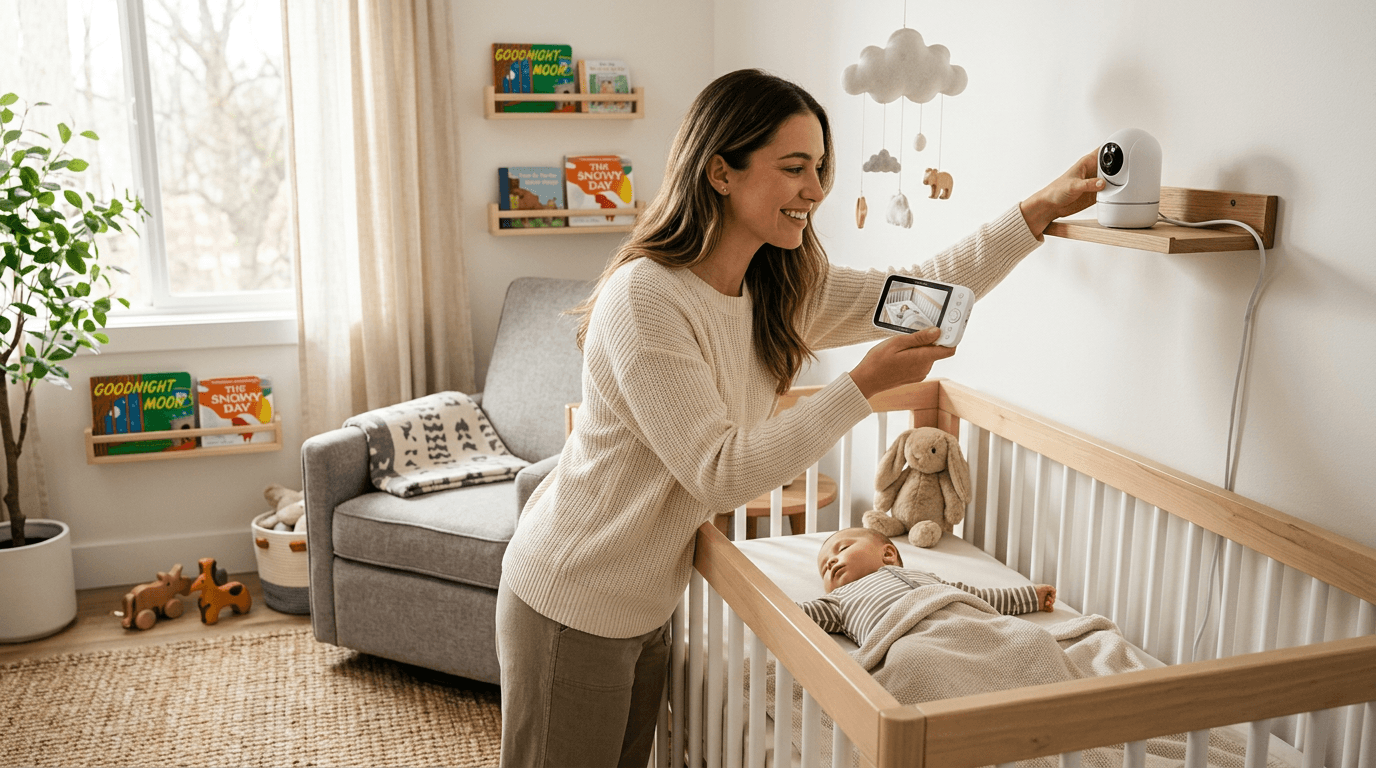
Dedicated video monitors use a camera in the nursery that transmits to a handheld parent unit over a private radio frequency. Unlike smart monitors, they don't connect to Wi-Fi and don't require an app. You get real-time video on a dedicated screen.
Best for: Parents who want video but value reliability and privacy over smart features, multi-room monitoring, homes with spotty Wi-Fi.
Top pick: The eufy E21 at about $180 features a sharp 5-inch display, pan-tilt-zoom camera, 460-foot range, and the ability to pair up to four cameras. No subscription, no internet required.
Pros: No Wi-Fi dependency, no subscription costs, private connection (no hacking risk), dedicated parent unit always ready, reliable.
Cons: Parent unit adds another device to carry, video quality typically lower than Wi-Fi cameras, limited range compared to Wi-Fi.
Smart / Wi-Fi Monitors
Smart monitors connect to your home Wi-Fi and stream video to an app on your phone or tablet. Many add AI-powered features like sleep tracking, cry detection, room climate monitoring, and breathing analysis. They represent the cutting edge of baby monitoring technology.
A 2020 report from the cybersecurity firm Bitdefender found that several popular Wi-Fi baby monitors had vulnerabilities that could allow unauthorized access to live video feeds. The FBI and FTC have both issued consumer advisories recommending that parents change default passwords, enable two-factor authentication, and keep firmware updated on any internet-connected nursery device.
Best for: Tech-savvy parents, those who want sleep analytics, families who want to check in from work or while traveling, parents who already carry their phone everywhere.
Top pick: The Nanit Pro → at around $300 delivers crystal-clear 1080p video, best-in-class sleep tracking without a wearable, and a well-designed app. For the full comparison between the two most popular smart monitors, read our Nanit vs Owlet deep dive.
Pros: Access from anywhere with internet, advanced features (sleep tracking, breathing monitoring, climate data), typically better video quality, shareable access with partners and caregivers.
Cons: Dependent on Wi-Fi reliability, potential subscription costs ($5-15/month for premium features), privacy concerns with cloud-connected cameras, app crashes at inconvenient times.
Smart Monitor Subcategory: Wearable Sensors
A newer category worth understanding is wearable health monitors like the Owlet Dream Sock, which track heart rate and blood oxygen levels. These are sometimes bundled with cameras as a "duo" system.
A 2018 study in JAMA evaluated two popular consumer pulse oximetry monitors marketed for infant sleep monitoring and found that one device had a 12.5% false alarm rate while neither reliably detected simulated hypoxia events. The AAP's 2022 safe sleep guidelines explicitly state that consumer cardiorespiratory monitors should not be used as a strategy to reduce SIDSSIDSSudden Infant Death Syndrome: unexplained death of an otherwise healthy infant under 1, usually during sleep. The AAP's ABCs of safe sleep (Alone, on Back, in a Crib) cut the risk by more than half. risk, as no evidence supports their effectiveness for this purpose.
The Owlet Dream Duo 2 → pairs a camera with the Owlet Sock sensor for about $400. The sock alerts you if your baby's heart rate or oxygen level falls outside normal ranges. This isn't a medical device and shouldn't replace professional medical advice, but many parents — especially those with preemies or babies with health concerns — find the data reassuring.
What features should I look for in a baby monitor?
Regardless of which type you choose, evaluate these features:
Video quality and night vision
If you're getting a video monitor, make sure night vision is clear enough to actually see your baby's position and breathing movements. Look for at least 720p resolution, though 1080p is now standard on smart monitors. Test night vision quality in reviews before buying.
According to a 2023 consumer survey by the National Sleep Foundation, 68% of parents who used video monitors reported checking the monitor more than 10 times per night during the first 3 months. Sleep researchers note that while monitors provide peace of mind, excessive checking can contribute to parental sleep deprivation — a finding supported by a 2021 study in Pediatrics that linked smart monitor use with higher rates of parental anxiety.
Range and reliability
For dedicated monitors, range matters — a stated 1,000-foot range usually means 300-500 feet through walls in practice. For Wi-Fi monitors, your home Wi-Fi coverage is the limiting factor. If your nursery has weak Wi-Fi, consider a mesh network or dedicated monitor instead.
Two-way audio
The ability to talk to your baby through the monitor can be soothing. Most modern video and smart monitors include this. Quality varies significantly — test it if possible, as some have noticeable delay or poor speaker quality.
Battery life
For parent units, look for at least 8 hours of battery life in audio-only mode, and at least 4 hours with video on. For smart monitors, your phone is the parent unit, so this isn't a factor.
Room temperature monitoring
Most video and smart monitors include a temperature sensor. This is genuinely useful for maintaining the AAP-recommended room temperature of 68-72 degrees Fahrenheit for sleeping babies.
Expandability
If you plan to have more than one child or want to monitor multiple rooms, check how many cameras can connect to one system. The eufy E21 supports up to four cameras on one parent unit.
Are Wi-Fi baby monitors safe from hacking?
For Wi-Fi-connected monitors, security matters. Follow these practices:
- Use a monitor brand with a strong security track record
- Set a unique, strong password for your monitor account
- Enable two-factor authentication if available
- Keep firmware updated
- Use a secure home Wi-Fi network with WPA3 encryption
- Consider monitors that offer local storage rather than cloud-only
Dedicated video monitors (non-Wi-Fi) avoid these concerns entirely, which is why some security-conscious parents prefer them despite fewer features.
How much should I spend on a baby monitor?
Here's a realistic budget guide:
- Audio-only: $20-50. Perfectly adequate for many families.
- Dedicated video: $100-200. Our sweet spot for most parents.
- Smart camera: $150-350 plus potential subscriptions. Worth it if you'll use the smart features.
- Smart camera + wearable: $300-500. Best for parents who want health monitoring data.
Don't let marketing convince you that you need the most expensive option. A $30 audio monitor keeps your baby just as safe as a $500 smart system. The advanced features are about convenience and information, not safety. For a full list of our recommended models across all categories, visit our best baby monitors guide.
Which type of baby monitor is best?
For most first-time parents, we recommend a dedicated video monitor like the eufy E21. It gives you visual confirmation without Wi-Fi dependency, subscription costs, or privacy concerns. If you're tech-savvy and want data-driven sleep insights, the Nanit Pro is the best smart monitor available.
If budget is a priority or you find that video monitoring increases rather than decreases your anxiety, there's absolutely nothing wrong with a reliable audio-only monitor. You'll hear your baby when they need you, which is what matters most.
Once you've chosen your monitor, our guide on how to set up a baby monitor walks you through optimal camera placement, Wi-Fi configuration, and testing for the best results.
Further Reading
Research Sources
Hilly Shore Inc.
Editorial teamIndependent product research team behind Cribworthy. Reviews are grounded in published AAP / CDC / NHTSA / CPSC pediatric guidance, JPMA / GREENGUARD GOLD / OEKO-TEX certification verification, and aggregated buyer sentiment.
115 products reviewed · 20 categories covered · cites AAP, CDC, NHTSA, CPSC, FDA, ACOG.
Safety claims are verified against published pediatric guidelines and CPSC databases. See our editorial standards.