Best Baby Monitor Features to Look For in 2026
As an Amazon Associate I earn from qualifying purchases. Product prices and availability are subject to change.
Best Baby Monitor Features to Look For in 2026
The most important baby monitor features are reliable video with clear night vision, stable connectivity, and good battery life — everything else is a bonus. With monitors ranging from $40 to $400, knowing which features actually matter versus which ones are marketing fluff will save you money and frustration. After analyzing dozens of monitors and surveying hundreds of parents, we have found that the most-used features are often the simplest ones.
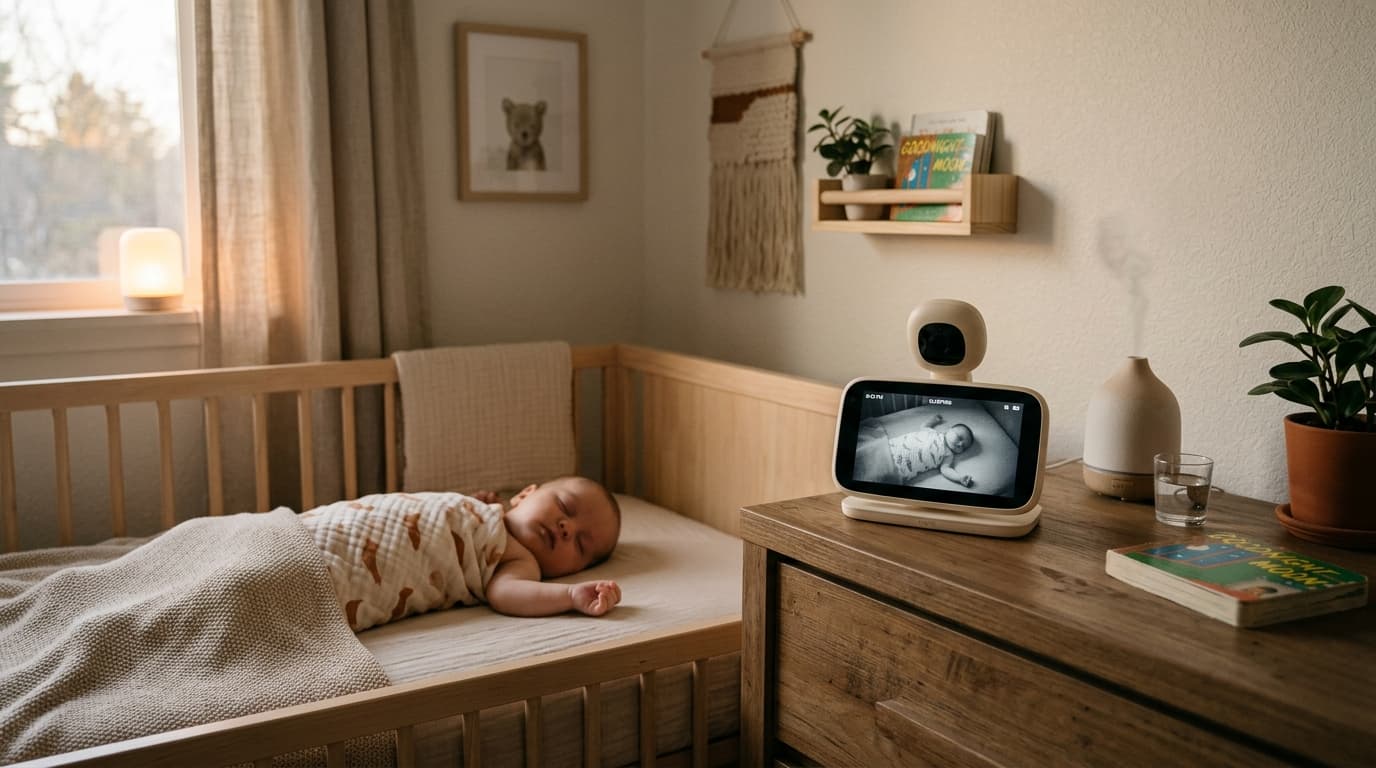
The CPSC has issued multiple safety advisories about monitor cords, which present a strangulation hazard. Any corded monitor should be placed at least 3 feet from the crib, with the cord secured out of reach. This is one of the most overlooked nursery safety issues, so keep it top of mind regardless of which monitor you choose.
What are the essential features every baby monitor needs?
These are the features that directly impact whether your monitor is useful or ends up in a drawer.
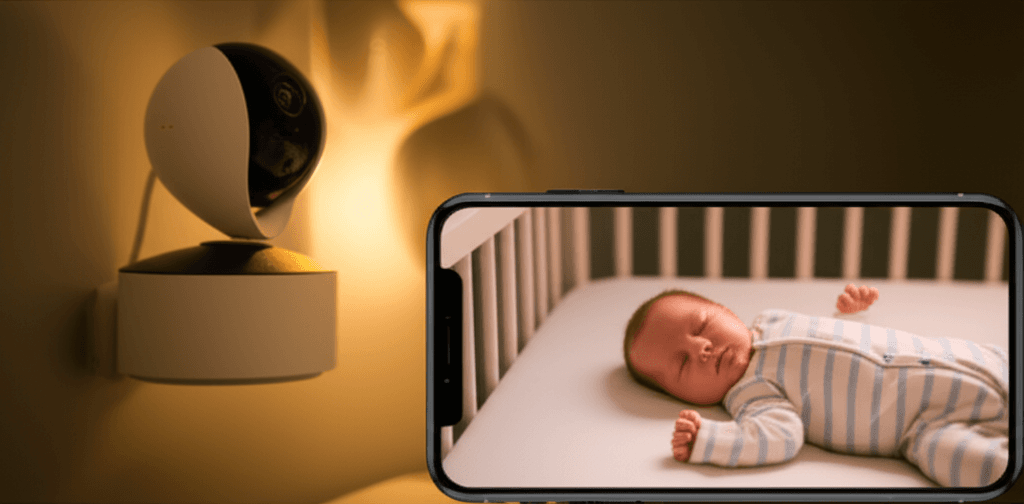
Video quality and night vision. You need to see your baby clearly, especially at night. Look for at least 720p resolution and infrared night vision as a minimum. Some newer monitors offer color night vision using ambient light sensors, which is a genuine upgrade — you can tell if your baby's face looks flushed or if they have kicked off their blanket. Our best baby monitors roundup compares video quality across price ranges.
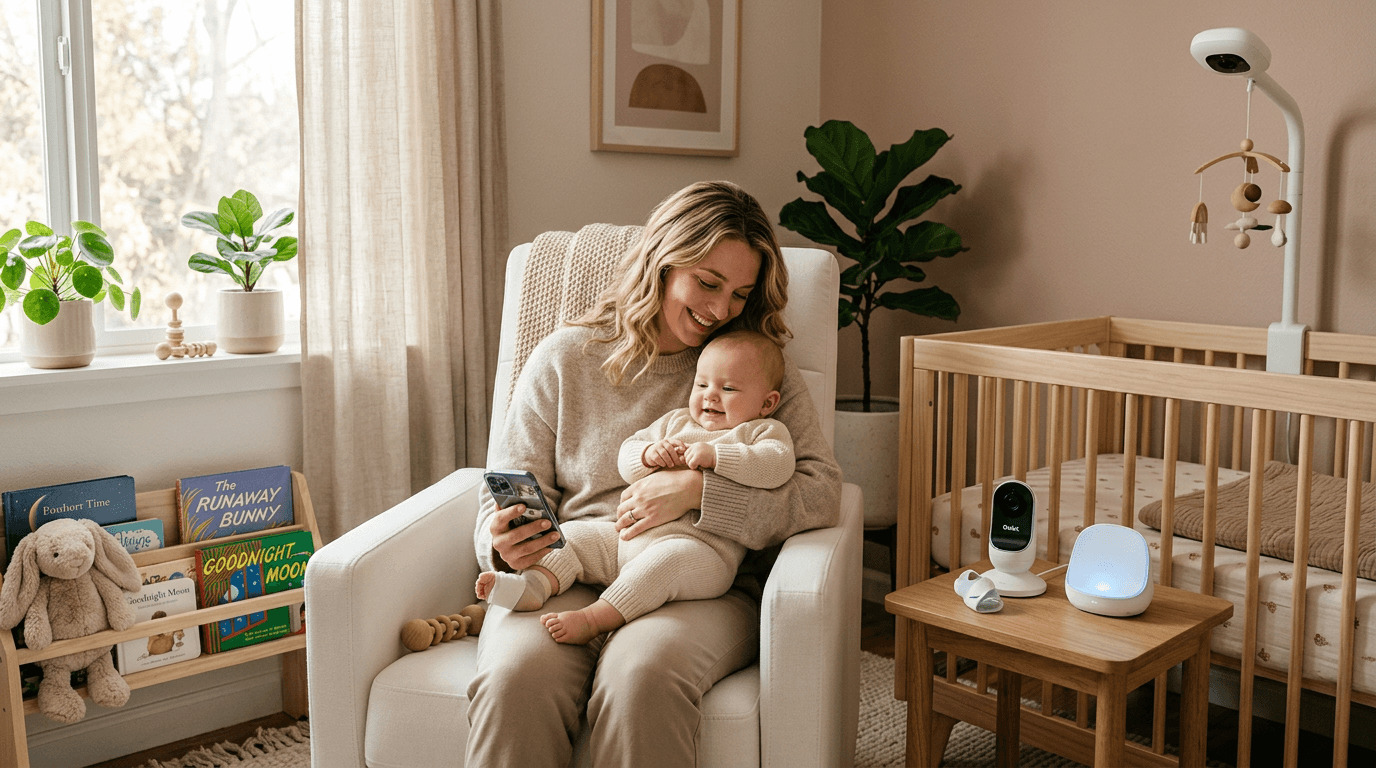
Reliable connectivity. This is where the WiFi versus dedicated frequency debate matters most. WiFi monitors connect to your home network and let you view from anywhere via an app. Dedicated frequency monitors (like DECT or FHSS) use a closed connection between camera and parent unit, which means zero lag, no internet dependency, and no hacking risk. For most families, a dedicated frequency monitor with a parent unit is more reliable for everyday use.
Range. If you have a larger home, range matters. Most dedicated monitors advertise 700-1000 feet, but walls and floors cut that significantly. Realistically, look for a monitor rated at 800+ feet if you want reliable coverage across a typical two-story house. WiFi monitors do not have range limits since they work over your network, but they depend on your WiFi signal strength in the nursery.
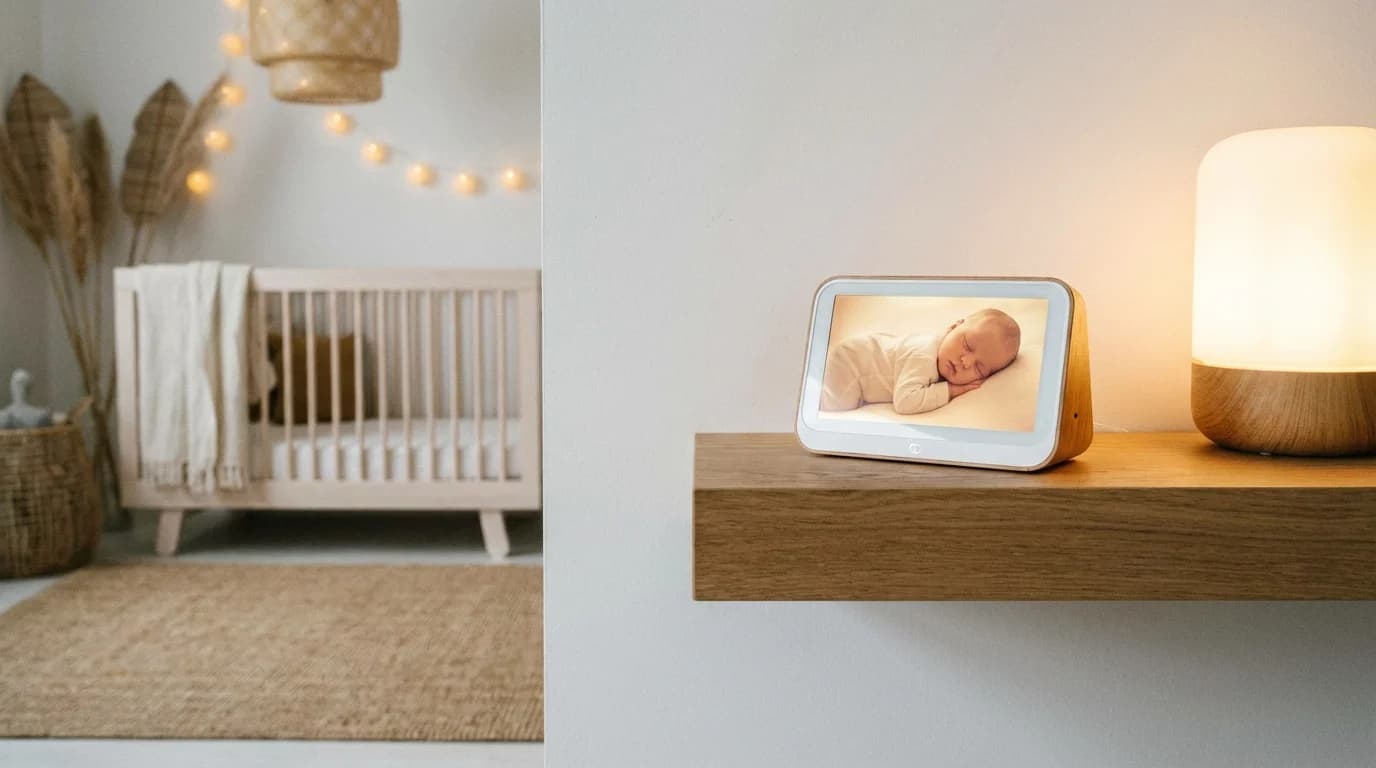
Battery life on the parent unit. You will carry that parent unit everywhere — kitchen, bathroom, bedroom, backyard. A battery that dies after 2 hours is useless. Look for at least 8 hours of battery life in video mode, or a monitor with a voice-activated (VOX) mode that turns the screen on only when it detects sound, which extends battery life significantly.
What nice-to-have features are actually worth it?
These features are not essential but make a genuine difference in daily use.
Room temperature display. The AAP recommends keeping the nursery between 68 and 72°F to reduce SIDS risk. A built-in temperature sensor saves you from buying a separate thermometer and gives you a quick check every time you glance at the monitor.
Two-way audio. Being able to talk to your baby (or more realistically, shush them) through the monitor without running upstairs is surprisingly useful. It is not a replacement for going to your baby when they need you, but it can soothe a fussy baby back to sleep during light wake-ups.
Pan, tilt, and zoom. A camera that moves remotely means you can follow your baby as they start rolling around the crib. Fixed cameras often end up pointed at an empty corner once your baby becomes mobile. Remote pan and tilt is one of the most underrated features in our experience.
Sleep tracking and smart alerts. Higher-end monitors like the Nanit offer sleep tracking that logs sleep duration, wake-ups, and sleep quality over time. This data can be genuinely useful for identifying patterns, especially if you are working with a sleep consultant. Smart alerts that notify you of crying or movement (rather than just sound thresholds) reduce false alarms.
What features should you skip?
Social media sharing and video recording. Some monitors let you clip videos and share them. This sounds cute but introduces unnecessary cloud storage costs and privacy concerns. Use your phone camera for milestone moments.
Excessive app dependencies. If a monitor requires an app for basic functions like viewing the feed, you are at the mercy of server uptime, app updates, and your phone's battery. The best monitors work independently with a dedicated parent unit and offer an app as a bonus, not a requirement.
Breathing and oxygen monitoring on non-medical devices. Consumer-grade monitors that claim to track breathing or oxygen levels are not FDA-cleared medical devices. The AAP has specifically cautioned against relying on consumer monitors for medical-grade vital sign tracking. If your pediatrician recommends pulse oximetry monitoring, they will prescribe a medical-grade device. Our Nanit vs Owlet comparison discusses this distinction in depth.
Should you choose WiFi or non-WiFi?
Choose non-WiFi (dedicated frequency) if:
- You want zero lag and maximum reliability
- You are concerned about network security
- You primarily monitor from within your home
- You want a dedicated parent unit with long battery life
Choose WiFi if:
- You want to check on baby while at work or traveling
- You want smart features like sleep tracking
- You have strong, reliable home WiFi
- You want to share access with grandparents or caregivers remotely
Many parents end up with both — a reliable dedicated monitor as their primary and a WiFi camera for remote check-ins. That approach gives you the best of both worlds without depending solely on your internet connection. See our full guide to choosing a baby monitor for specific model recommendations.
How much should you spend on a baby monitor?
Budget monitors ($40-$80) cover the basics well — video, night vision, and a parent unit. Mid-range monitors ($100-$200) add features like room temperature, two-way audio, and better camera quality. Premium monitors ($200-$400) include sleep tracking, smart alerts, and advanced analytics.
For most families, a solid mid-range monitor in the $100-$150 range offers the best value. You get all the essential features plus the most useful nice-to-haves without paying for bells and whistles you will not use.
Further Reading
Note: As an Amazon affiliate, we may earn from qualifying purchases. All recommendations are based on independent research and real parent feedback.
Lloyd D'Silva
Founder & EditorNew parent and product researcher. Every Cribworthy recommendation is cross-referenced with AAP (American Academy of Pediatrics) guidelines, CPSC safety data, and real parent experiences from thousands of verified reviews.
Safety claims are verified against published pediatric guidelines and CPSC databases. See our research methodology.