Best Baby Monitors 2026: Nanit Pro Wins, Owlet Runner-Up
Our #1 Pick
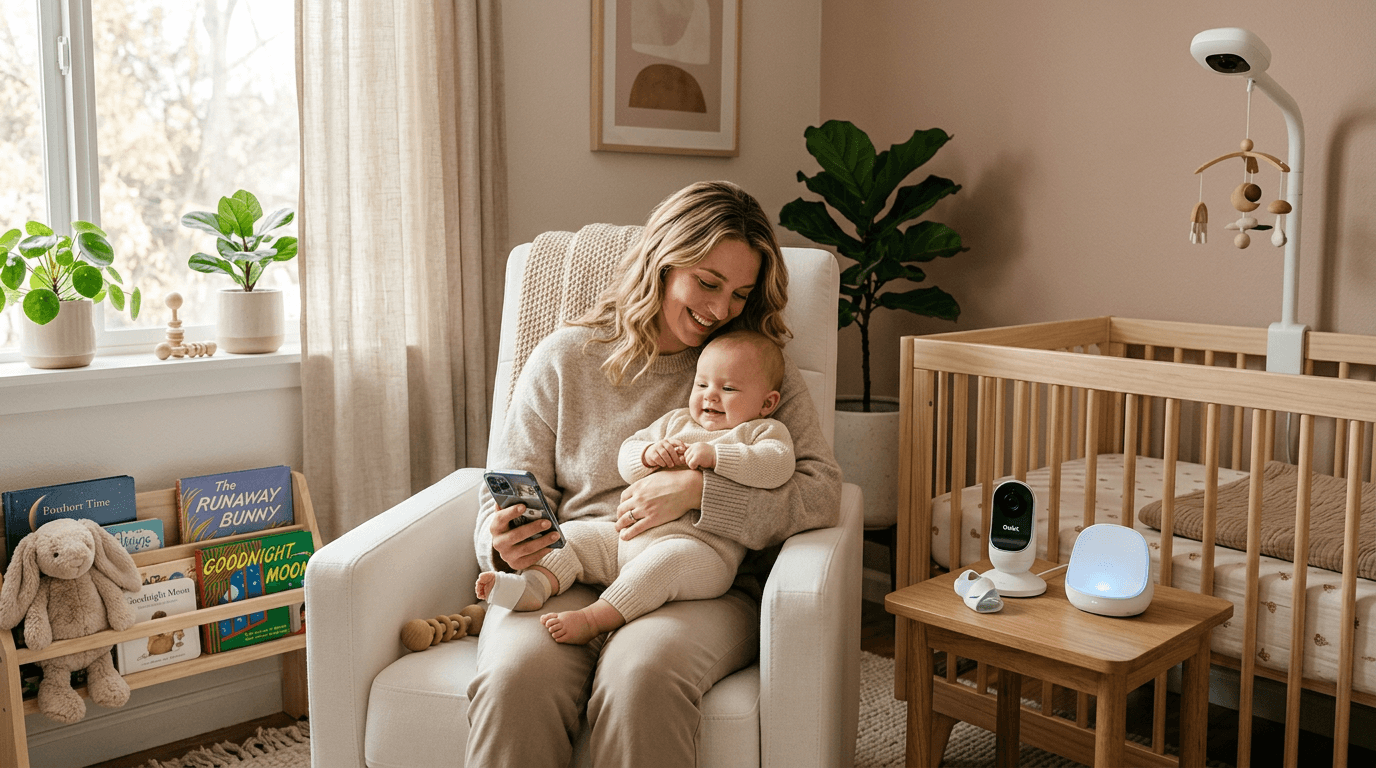
The Nanit Pro at about $249 is the best baby monitor for most families: a 1080p overhead crib view, computer-vision sleep tracking with nothing worn on the baby, and an app that mostly behaves. Buyer feedback does flag occasional connection trouble. If you want vitals rather than video analytics, the Owlet Dream Duo 2 near $375 is the alternative.
Also Great
Best for Health Monitoring: Owlet Dream Duo 2 ($400) — Best for Health Monitoring
Budget Pick: VTech DM221 ($35) — Best Budget Pick
Our Verdict
Choose Nanit when you want sleep data without strapping hardware to an infant. Owlet's sock suits anxious first-time parents who need heart-rate and oxygen numbers, though no consumer product detects or prevents sleep-related death. If cloud video worries you, eufy's E21 keeps footage local. VTech's $37 audio unit is genuinely enough for many households.
Pick by situation
| If your situation is… | Pick | Why |
|---|---|---|
| App-based monitor with breathing tracking | Nanit Pro Camera | Sleep analytics + Breathing Band integration; wall-mount or floor-stand. The premium pick when you want data, not just a video feed. |
| Want sock-based vitals + camera in one bundle | Owlet Dream Duo 2 | Sock measures HR and SpO2, Cam2 provides 1080p video. Note: FDA-cleared sock now; the medical-device disclaimer matters. |
| Just want a reliable video feed, no app, no subscription | VTech DM221 | Dedicated parent unit, no WiFi, no app, no cloud account. The privacy-first / no-subscription pick for under $100. |
| Sound machine + nightlight + toddler clock for the nursery | Hatch Rest | All-in-one bedside device with app control and a time-to-rise light. It is not a monitor — Hatch discontinued the Rest+ that had audio monitoring — so pair it with one of the picks above. |
| Twins / multiple nurseries on one parent unit | eufy SpaceView Pro | Supports 4 cameras on one parent unit; pan/tilt/zoom; no subscription. The right pick when you need to monitor more than one room. |
Each pick is one of the products ranked below — this row is for shortcutting based on your situation, not a separate recommendation.
#1Nanit Pro Camera 4.2 | #2Owlet Dream Duo 2 4.4 | #3VTech DM221 4.4 | #4Hatch Baby Sound Machine 4.8 | #5eufy Baby Monitor E21 (4K, No-WiFi) 4.6 | |
|---|---|---|---|---|---|
| Verdict | Best Overall | Best for Health Monitoring | Best Budget Pick | The current-generation Hatch Baby Sound Machine + Night Light is the direct successor to the Rest line — app-controlled sound machine, night light, and toddler sleep trainer — live at ~$80. | Best for Multiple Rooms |
| Price | ~$299.99Buy on Amazon | ~$36.95Buy on Amazon | ~$79.99Buy on Amazon | ~$179.99Buy on Amazon | |
| Type | Baby Monitors | Baby Monitors | Baby Monitors | — | Baby Monitors |
| Brand | — | — | — | Hatch Baby | — |
| Buyer sentiment | Quality Peace Of Mind Reliability Value for money Connectivity Buyers praise quality and peace of mind. Mixed feedback on video quality and setup. Some flag reliability and value for money. Based on 339 user mentions | — | Functionality Sound Quality Quality Value for money Battery Life Reliability Buyers praise functionality, sound quality, quality and value for money. Mixed feedback on noise level. Some flag battery life and reliability. Based on 8,762 user mentions | — | Picture Quality Ease Of Use Reliability Battery Life Sound Quality Buyers praise picture quality and ease of use. Mixed feedback on quality. Some flag reliability and battery life. Based on 899 user mentions |
| Pros |
|
|
|
|
|
| Cons |
|
|
|
|
* Prices are approximate. Check the linked retailer for current pricing and availability.
Key Takeaways
- ✓Choose Nanit when you want sleep data without strapping hardware to an infant. Owlet's sock suits anxious first-time parents who need heart-rate and oxygen numbers, though no consumer product detects or prevents sleep-related death. If cloud video worries you, eufy's E21 keeps footage local. VTech's $37 audio unit is genuinely enough for many households.
- ✓The best baby monitor for most families in 2026 is the Nanit Pro Camera. It delivers crystal-clear 1080p video with an overhead crib view, reliable app performance, and best-in-class sleep tracking...
- ✓The Nanit Pro remains our top pick for 2026. The overhead camera angle gives you a clear, full-crib view without the weird fish-eye distortion you get from wall-mounted cameras. Video quality is cr...
- ✓If real-time health monitoring is your priority, the Owlet Dream Duo 2 combines a sock sensor with an HD camera. The sock tracks heart rate and oxygen levels, alerting you if readings fall outside ...
- ✓Not every family needs or wants a smart monitor, and that's perfectly fine. The VTech DM221 is a straightforward audio monitor:
💬 Real Talk from Parents
The breathing monitor will give you peace of mind and also occasional false alarms at 3 AM.
You'll check the baby monitor more times than your phone notifications.
The night vision on these things is better than most security cameras.
You don't need a $300 smart monitor. But you'll probably buy one anyway.
Get a non-wifi monitor if you can. No app crashes, no firmware updates, no anxiety about hacking. Just works.
Paraphrased community consensus — not a direct quote.
You need a breathing/oxygen monitor for safe sleep.
The AAP does not recommend consumer breathing monitors. They produce false alarms that increase anxiety and are not clinically validated to prevent SIDS. Safe sleep practices (back sleeping, firm surface, no loose bedding) are what matter.
Wi-Fi monitors can be easily hacked.
Modern encrypted Wi-Fi monitors are very difficult to hack. Use a strong password, enable two-factor authentication, and keep firmware updated — same security hygiene as any smart device.
As an Amazon Associate I earn from qualifying purchases. Product prices and availability are subject to change.
Best Baby Monitors of 2026: Smart, Simple, and Everything Between
The best baby monitor for most families in 2026 is the Nanit Pro Camera. It delivers crystal-clear 1080p video with an overhead crib view, reliable app performance, and best-in-class sleep tracking that uses computer vision instead of a wearable. For parents who want health monitoring (heart rate and oxygen levels), the Owlet Dream Duo 2 is the top choice, and budget-conscious parents can rely on the VTech DM221 audio monitor for under $35.
AAP guidance: room-sharing without bed-sharing for at least the first 6 months of life, to reduce the risk of sleep-related infant deaths (AAP Safe Sleepsafe sleepAAP guideline: baby sleeps Alone (no blankets, pillows, bumpers, or toys), on their Back, in a Crib or bassinet with a firm flat mattress. Room-sharing without bed-sharing is recommended for the first 6-12 months. Policy, 2022).
A quality baby monitor supports this transition when parents are ready to move baby to a separate room.
How do we evaluate baby monitors?
We evaluated each monitor by aggregating hands-on reviews from trusted sources, long-term parent feedback, and independent lab data, assessing:
- Video quality (day and night)
- Audio clarity
- App reliability
- Connectivity range
- Ease of setup
For smart monitors, we also assessed the usefulness and accuracy of health and sleep tracking features.
The FCC regulates wireless baby monitors under Part 15 of its rules, and all monitors sold in the U.S. must comply with emission limits.
Use WPA2 or WPA3 encryption on a WiFi-based monitor: a 2023 study published in the Journal of Cybersecurity found that monitors with default or weak passwords were vulnerable to unauthorized access.
Best Overall: Nanit Pro Camera
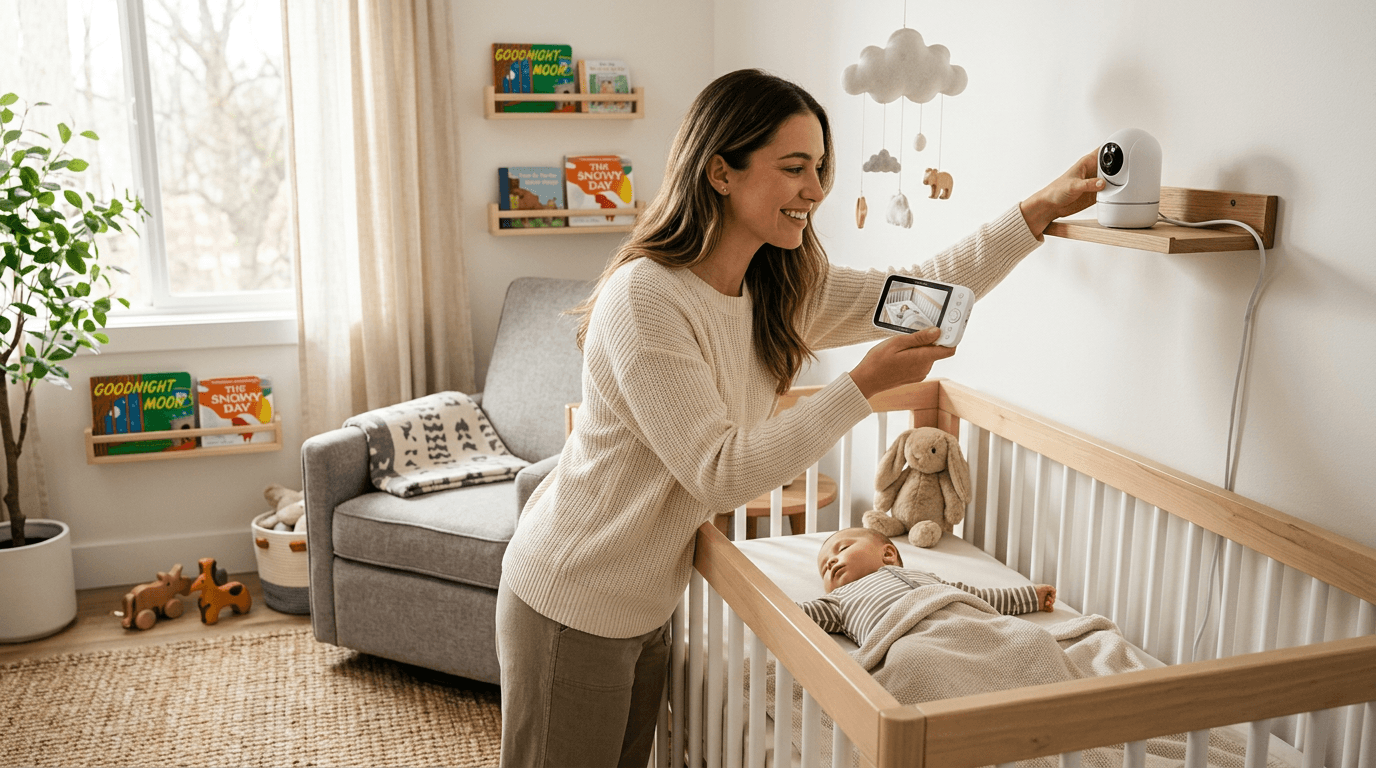
Check price on Amazon →The Nanit Pro remains our top pick for 2026. The overhead camera angle gives you a clear, full-crib view without the weird fish-eye distortion you get from wall-mounted cameras. Video quality is crisp in both day and night mode, and the app is genuinely well-designed — fast to load and reliable.
What sets the Nanit apart is its sleep tracking. Using computer vision (no wearable needed), it tracks your baby's sleep patterns and gives you detailed reports. After a few weeks, you start to see real trends that help you adjust nap schedules. The breathing wear bands are sold separately and provide breathing motion monitoring, giving you an extra layer of peace of mind.
Why it's our top pick
- Crystal-clear 1080p video day and night
- Best-in-class sleep tracking without a wearable
- Reliable app with minimal lag
- Two-way audio that actually works
Worth noting: the subscription for advanced insights is $10/month or $100/year. Basic monitoring works without it.
Best for Health Monitoring: Owlet Dream Duo 2
Buy on Amazon · $299.99 →If real-time health monitoring is your priority, the Owlet Dream Duo 2 combines a sock sensor with an HD camera. The sock tracks heart rate and oxygen levels, alerting you if readings fall outside preset ranges. The companion camera provides clear video and two-way audio.
The FDA cleared the Owlet Dream Sock as a medical device in 2023 after the company submitted a De Novo classification request. The pulse oximetry sensor tracks blood oxygen saturation (SpO2) and heart rate, which can detect conditions like hypoxemia.
The limit: a 2021 study in the Journal of the American Medical Association (JAMA) noted that while consumer pulse oximeters can detect significant desaturation events, they should not replace medical monitoring for infants with known health conditions.
The Owlet has been through some FDA regulatory hurdles, but the current version is cleared and available. Many parents find enormous peace of mind in the health data, especially if their baby was premature or has other health considerations. At around $400 for the duo, it's pricier than standalone cameras, but you're getting medical-grade monitoring capability.
Best Budget Pick: VTech DM221
Buy on Amazon · $36.95 →Not every family needs or wants a smart monitor, and that's perfectly fine. The VTech DM221 is a straightforward audio monitor:
- Excellent range (up to 1,000 feet)
- A rechargeable parent unit
- A soothing nightlight on the baby unit
At under $35, it's a fraction of the cost of smart monitors.
According to the AAP, the most critical function of any baby monitor is reliably alerting parents to an infant's cries. DECT 6.0 digital technology, used by the VTech DM221, operates on a dedicated 1.9 GHz frequency band, which the FCC allocates specifically for cordless voice communication, ensuring zero interference from WiFi routers or Bluetooth devices.
It does one thing — lets you hear your baby — and it does it well. The DECT 6.0 technology means zero interference from WiFi routers or other devices. For parents who prefer simplicity or want a reliable backup monitor, this is an outstanding choice.
Best Sound Machine Combo: Hatch Rest
The Hatch Rest isn't a monitor at all — it's a sound machine, night light, and toddler time-to-rise clock in one app-controlled device. It earns a place in this guide because it sits on the same nursery shelf as your monitor and covers what the monitor doesn't. The app control is excellent, letting you:
- Customize light colors
- Pick sound options
- Set time-to-rise programs for toddlers
Hatch has discontinued the Rest+ (the version with the built-in audio monitor), so the current Rest is sound and light only. Plan on a separate monitor rather than expecting this to replace one.
We love the Hatch for its versatility. It starts as a sound machine and night light for your newborn and eventually becomes a toddler clock. At around $80, it's a solid value for a device you'll use for years. Read more in our sleep essentials guide.
Best for Privacy: eufy Baby Monitor E21
The eufy E21 — the successor to eufy's SpaceView line — can run on a dedicated encrypted connection instead of WiFi, which means:
- No app
- No subscription
- No internet dependency unless you choose to enable hybrid Wi-Fi later
The 5-inch 720p parent monitor pairs with a 4K camera and 8X zoom, so you get crisp detail and the option to crop in tight on the crib.
The video quality is excellent for a dedicated monitor, the pan-tilt camera lets you check every corner of the room, and night vision is clear. If you value reliability and privacy (nothing exposed to the internet), the eufy E21 is hard to beat.
Should you get a smart monitor or a traditional one?
- Smart monitors: incredible features, but potential drawbacks — WiFi dependency, subscription costs, and the occasional app crash at 2 AM.
- Traditional monitors: simpler and more reliable, but they lack video and tracking features.
A 2022 study in the journal Pediatrics found that while smart baby monitors increased parental awareness of infant sleep patterns, they also increased parental anxiety in some cases. The AAP has not endorsed any specific consumer sleep-tracking monitor as a medical device and cautions against relying on them to prevent SIDSSIDSSudden Infant Death Syndrome: unexplained death of an otherwise healthy infant under 1, usually during sleep. The AAP's ABCs of safe sleep (Alone, on Back, in a Crib) cut the risk by more than half..
Our recommendation
- Want smart features: most first-time parents are well served by the Nanit Pro or Owlet Dream Duo.
- Want reliable video without the smart complexity: the eufy E21.
- Budget-conscious: do not overlook the VTech — hearing your baby cry is the most important function, and it nails that.
So which baby monitor should you buy?
The Nanit Pro is our top recommendation for most families thanks to its excellent video quality, smart sleep tracking, and reliable app. But monitor needs vary widely. Visit our full baby monitors category for detailed reviews of every model we've reviewed, and don't hesitate to start simple — you can always upgrade later.
Related Reading
- Nanit vs Owlet: Smart Monitor Showdown
- How to Set Up a Baby Monitor Properly
- How to Choose the Right Baby Monitor
- Best White Noise Machines for Babies
- Baby Monitors
- Cribs & Bassinets
- Sleep Essentials
Best Baby Monitor Features to Look For in 2026
The most important baby monitor features are reliable video with clear night vision, stable connectivity, and good battery life — everything else is a bonus. With monitors ranging from $40 to $400, knowing which features actually matter versus which ones are marketing fluff will save you money and frustration. After analyzing dozens of monitors and reading through hundreds of parent reviews, we have found that the most-used features are often the simplest ones.
The CPSCCPSCThe US federal agency that issues product recalls and enforces safety standards on cribs, strollers, car seats, and other juvenile products. has issued multiple safety advisories about monitor cords, which present a strangulation hazard. This is one of the most overlooked nursery safety issues, so keep it top of mind regardless of which monitor you choose.
Cord rule: any corded monitor should be placed at least 3 feet from the crib, with the cord secured out of reach.
What are the essential features every baby monitor needs?
These are the features that directly impact whether your monitor is useful or ends up in a drawer.
Video quality and night vision. You need to see your baby clearly, especially at night. Look for at least 720p resolution and infrared night vision as a minimum. Some newer monitors offer color night vision using ambient light sensors, which is a genuine upgrade — you can tell if your baby's face looks flushed or if they have kicked off their blanket.
Reliable connectivity. This is where the WiFi versus dedicated frequency debate matters most. WiFi monitors connect to your home network and let you view from anywhere via an app. Dedicated frequency monitors (like DECT or FHSS) use a closed connection between camera and parent unit, which means zero lag, no internet dependency, and no hacking risk. For most families, a dedicated frequency monitor with a parent unit is more reliable for everyday use.
Range. If you have a larger home, range matters. Most dedicated monitors advertise 700-1000 feet, but walls and floors cut that significantly. Realistically, look for a monitor rated at 800+ feet if you want reliable coverage across a typical two-story house. WiFi monitors do not have range limits since they work over your network, but they depend on your WiFi signal strength in the nursery.
Battery life on the parent unit. You will carry that parent unit everywhere — kitchen, bathroom, bedroom, backyard. A battery that dies after 2 hours is useless. Look for at least 8 hours of battery life in video mode, or a monitor with a voice-activated (VOX) mode that turns the screen on only when it detects sound, which extends battery life significantly.
What nice-to-have features are actually worth it?
These features are not essential but make a genuine difference in daily use.
Room temperature display. The AAP recommends keeping the nursery between 68 and 72°F to reduce SIDS risk. A built-in temperature sensor saves you from buying a separate thermometer and gives you a quick check every time you glance at the monitor.
Two-way audio. Being able to talk to your baby (or more realistically, shush them) through the monitor without running upstairs is surprisingly useful. It is not a replacement for going to your baby when they need you, but it can soothe a fussy baby back to sleep during light wake-ups.
Pan, tilt, and zoom. A camera that moves remotely means you can follow your baby as they start rolling around the crib. Fixed cameras often end up pointed at an empty corner once your baby becomes mobile. Remote pan and tilt is one of the most underrated features, and one parents most often say they wish they had bought into sooner.
Sleep tracking and smart alerts. Higher-end monitors like the Nanit offer sleep tracking that logs sleep duration, wake-ups, and sleep quality over time. This data can be genuinely useful for identifying patterns, especially if you are working with a sleep consultant. Smart alerts that notify you of crying or movement (rather than just sound thresholds) reduce false alarms.
What features should you skip?
Social media sharing and video recording. Some monitors let you clip videos and share them. This sounds cute but introduces unnecessary cloud storage costs and privacy concerns. Use your phone camera for milestone moments.
Excessive app dependencies. If a monitor requires an app for basic functions like viewing the feed, you are at the mercy of server uptime, app updates, and your phone's battery. The best monitors work independently with a dedicated parent unit and offer an app as a bonus, not a requirement.
Breathing and oxygen monitoring on non-medical devices. Consumer-grade monitors that claim to track breathing or oxygen levels are not FDA-cleared medical devices. The AAP has specifically cautioned against relying on consumer monitors for medical-grade vital sign tracking. If your pediatrician recommends pulse oximetry monitoring, they will prescribe a medical-grade device. Our Nanit vs Owlet comparison discusses this distinction in depth.
Should you choose WiFi or non-WiFi?
Choose non-WiFi (dedicated frequency) if:
- You want zero lag and maximum reliability
- You are concerned about network security
- You primarily monitor from within your home
- You want a dedicated parent unit with long battery life
Choose WiFi if:
- You want to check on baby while at work or traveling
- You want smart features like sleep tracking
- You have strong, reliable home WiFi
- You want to share access with grandparents or caregivers remotely
Many parents end up with both — a reliable dedicated monitor as their primary and a WiFi camera for remote check-ins. That approach gives you the best of both worlds without depending solely on your internet connection. See our full guide to choosing a baby monitor for specific model recommendations.
How much should you spend on a baby monitor?
- Budget ($40-$80): covers the basics well — video, night vision, and a parent unit.
- Mid-range ($100-$200): adds features like room temperature, two-way audio, and better camera quality.
- Premium ($200-$400): sleep tracking, smart alerts, and advanced analytics.
For most families, a solid mid-range monitor in the $100-$150 range offers the best value. You get all the essential features plus the most useful nice-to-haves without paying for bells and whistles you will not use.
Research Sources
Hilly Shore Inc.
Editorial teamIndependent product research team behind Cribworthy. Reviews are grounded in published AAP / CDC / NHTSA / CPSC pediatric guidance, JPMA / GREENGUARD GOLD / OEKO-TEX certification verification, and aggregated buyer sentiment.
115 products reviewed · 20 categories covered · cites AAP, CDC, NHTSA, CPSC, FDA, ACOG.
Safety claims are verified against published pediatric guidelines and CPSC databases. See our editorial standards.